Custom functionality
WordPress tools that fit the way you work.
Forms that ask the right questions. Approvals that don't live in someone's inbox. Private portals, information displays, and integrations that connect your website to the rest of your operation.
Everything we build is Built to do a job
What we build
Fewer handoffs. Clearer information.
Usually it starts with one job somebody does every Monday with a spreadsheet, a shared inbox and eleven emails. We build the simplest thing that makes that job easier.
Smarter forms
Forms that route each request to the right person, collect the details you need, and alert us if delivery ever fails.
Requests & approvals
Request workflows with clear steps, notifications, and a record of who approved what.
Private portals
Permission-based areas and file sharing for boards, committees, staff, or clients, with simple access links.
Information displays
Calendars, directories, listings, and reports that keep themselves up to date.
Integrations
Your website talking to your CRM, email platform, booking service, or payment provider.
Everyday site tools
Scheduled announcements for closures and promotions, trackable QR codes, and media clean-up tools.
The right approach
Configure it, or build it?
Both are legitimate. We'll recommend the simplest option that does the job well, and explain why.
Option one
Configure a proven tool
Many needs are best met by a well-supported plugin or service, set up carefully for your organization. Faster to launch, and maintained by a wider community.
Option two
Write custom software
When your process is unusual or the existing tools get in the way, we build exactly what you need, with documentation and a plan for who maintains it.
Things we've built
Built one piece at a time.
In the wild
Tools running in real organizations.
Client names and screens are shared only with permission, so here is the shape of the work rather than the logos.
Foodservice
Equipment evaluation suite
A set of tools a commercial foodservice company uses to size and compare equipment for a job. Built and hosted by us.
Schools
Check-in and check-out
Student sign-in and sign-out software, in daily use, with a view for the office and one for teachers.
Monitoring
Form delivery watch
Alerts us when a website form stops delivering messages, before anyone notices the phone has gone quiet.
Boards
Private file sharing
Board and committee documents behind simple access links, with no accounts for anyone to manage.
Scheduling
Site announcements
Closure, holiday and promotion notices that post themselves on schedule and take themselves down after.
And yours?
Most of these started small
One process, one screen, one Monday made easier. If there is a job somebody on your team does by hand every week, that is usually where we start.
Case studies
The full story on a few of them.
What someone came to us with, what we actually built, and the parts that were genuinely hard.

Education
CICO
A student check-in / check-out platform fast enough for the door — and built to keep working when the school Wi-Fi doesn’t.

Community health / education
Change Your State
A wellness-challenge app with no app store and no password to forget, so every student in every school can actually get in.
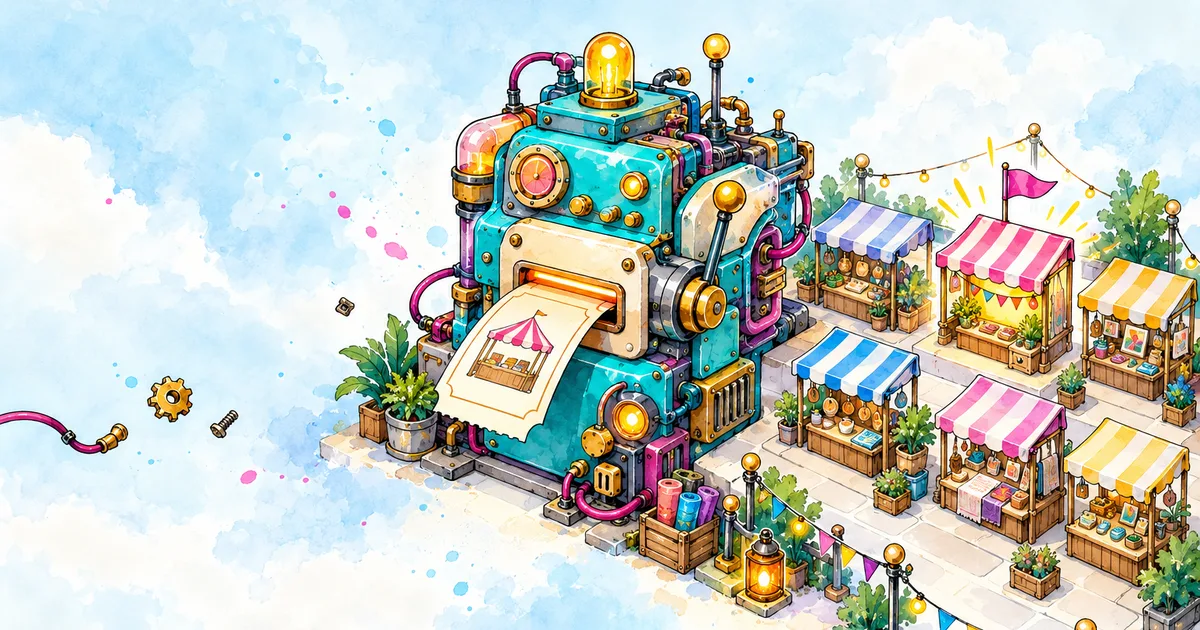
Events / craft shows
Vincent's Events
A vendor registration and booth-inventory system a show organizer can run from an inbox — approvals, payment links, and reminders, no overselling.
How it works
How a custom project runs.
- Discovery: the process today, the people involved, and what "better" looks like
- Data and access: what information the tool needs, and who should see it
- Build and test with real scenarios before anyone relies on it
- Documentation, so the tool is understandable after launch
- Maintenance: who owns updates and support, agreed in writing
- Honest limits: third-party services change, and we'll tell you where the risks are
Do the work. The work does the talking.
— the workshop rule

Questions
Before you build.
What people usually want to know before we write any code.
Do you build custom software or set up existing tools?
Both. Many needs are best met by a well-supported plugin or service, set up carefully for your organization. When your process is unusual or the existing tools get in the way, we build exactly what you need. We'll recommend the simplest option that does the job well, and explain why.
What kinds of tools do you build?
Smarter forms, request and approval workflows, private portals, information displays like calendars and directories, integrations with your CRM, email platform, booking service or payment provider, and everyday site tools such as scheduled announcements and trackable QR codes.
Where does a custom project usually start?
Usually with one job somebody on your team does by hand every week. Tell us about the task that eats your team's time, and we'll tell you whether a form, a plugin, or a custom tool is the right fix.
How does a custom project run?
Discovery first: the process today, the people involved, and what better looks like. Then the data and access the tool needs, a build tested with real scenarios before anyone relies on it, and documentation so the tool is understandable after launch.
Who maintains the tool after launch?
We agree who owns updates and support in writing before we start. And we'll tell you the limits up front: third-party services change, and we'll tell you where the risks are.
Sometimes the answer is a tool.
Tell us about the task that eats your team's time. We'll tell you whether a form, a plugin, or a custom tool is the right fix.